Make great videos
Backgrounds
CursorCam can draw a scene behind the app window from two colors. Every scene fits wide, square and tall videos.
How to use them
Name the scene and the palette when you ask Claude:
/cursorcam http://localhost:3000 — sign up and create a project, on the dunes background in oceanOr put it in a style file:
{
  "background": { "scene": "dunes", "colors": "ocean" }
}
npx cursorcam@beta run steps.json --style style.jsonTo try another one on a video you already made, render it again. It takes seconds and records nothing new:
npx cursorcam@beta render cursorcam-output/<run> --style '{"background":{"scene":"glow","colors":"plum"}}'- Leave out
colorsto getindigo. - For your own colors, give two hex colors, deep then light:
{ "scene": "dunes", "colors": ["#1e3a8a", "#38bdf8"] }. - The other style options are in Look and size.
Every scene
Pick a palette to see every scene in it. The copy button on a scene copies its style, ready to use.

meshSoft blended clouds of both colors

glowA dark base with light glowing out from behind the window

splitTwo tones split by one smooth curve

dunesLayered soft waves, from light to deep

auroraSoft light streaks on a dark sky

glassSoft shapes behind a frosted glass frame around the window

rippleRings spreading out from the window

contoursThin map lines
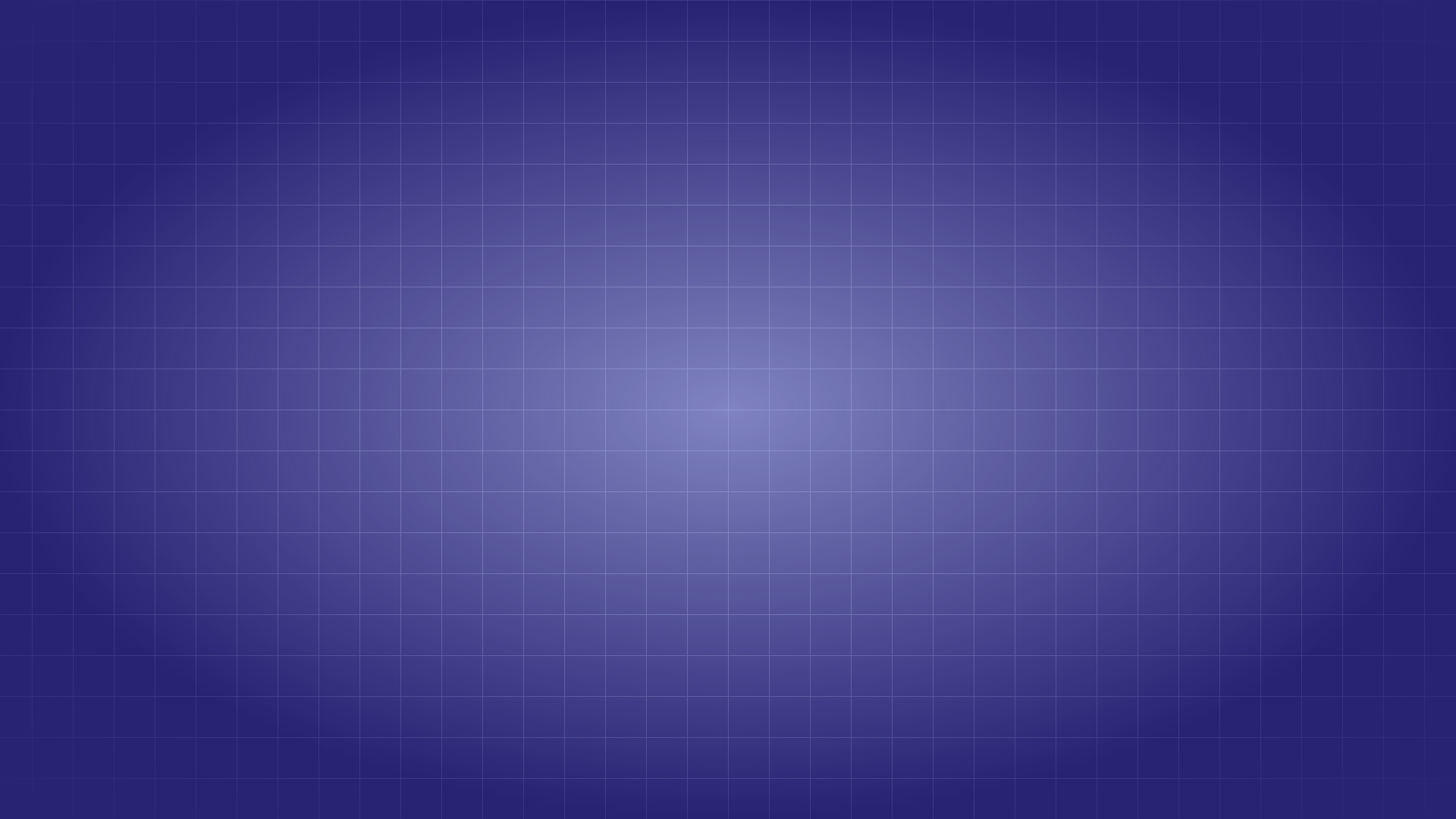
gridA fine grid that fades out, with a glow behind the window

ribbonsWide bands flowing across

beamsLight rays from the top corner

shapesBig flat circles and a pill on a light base

halftonePrint-style dots in two corners

cursorA giant, faint cursor with click rings